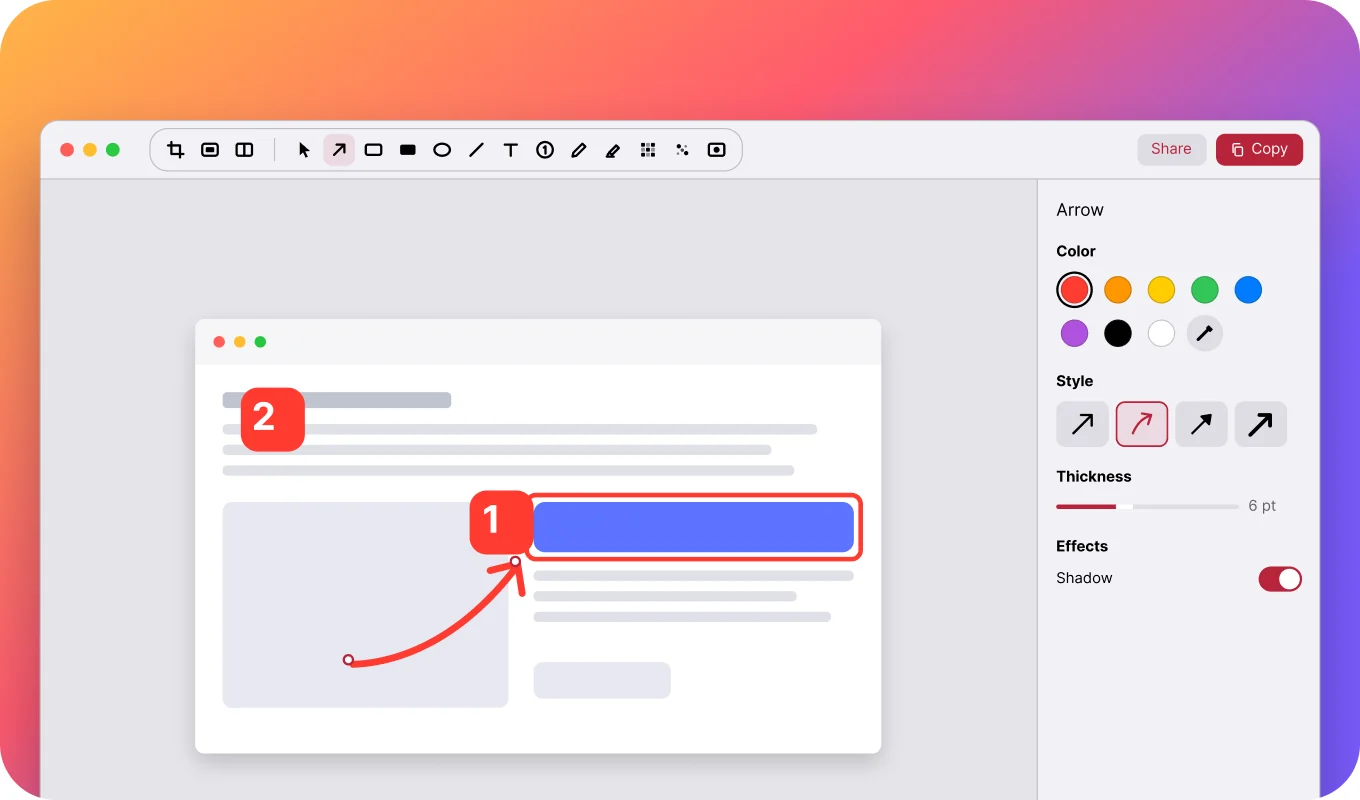
How to set up Back Tap to screenshot on iPhone
Double-tap the back of your iPhone and your screenshot opens ready to mark up. Two minutes of setup.
Step-by-step guides for better screenshots on Mac, iPhone and iPad.
⌘⇧4, Space, click. Every built-in macOS screenshot shortcut explained, plus the fastest way to add an arrow, a box and blur before you share.
 Prinx Team
Double-tap the back of your iPhone and your screenshot opens ready to mark up. Two minutes of setup.